College Proxy
Tools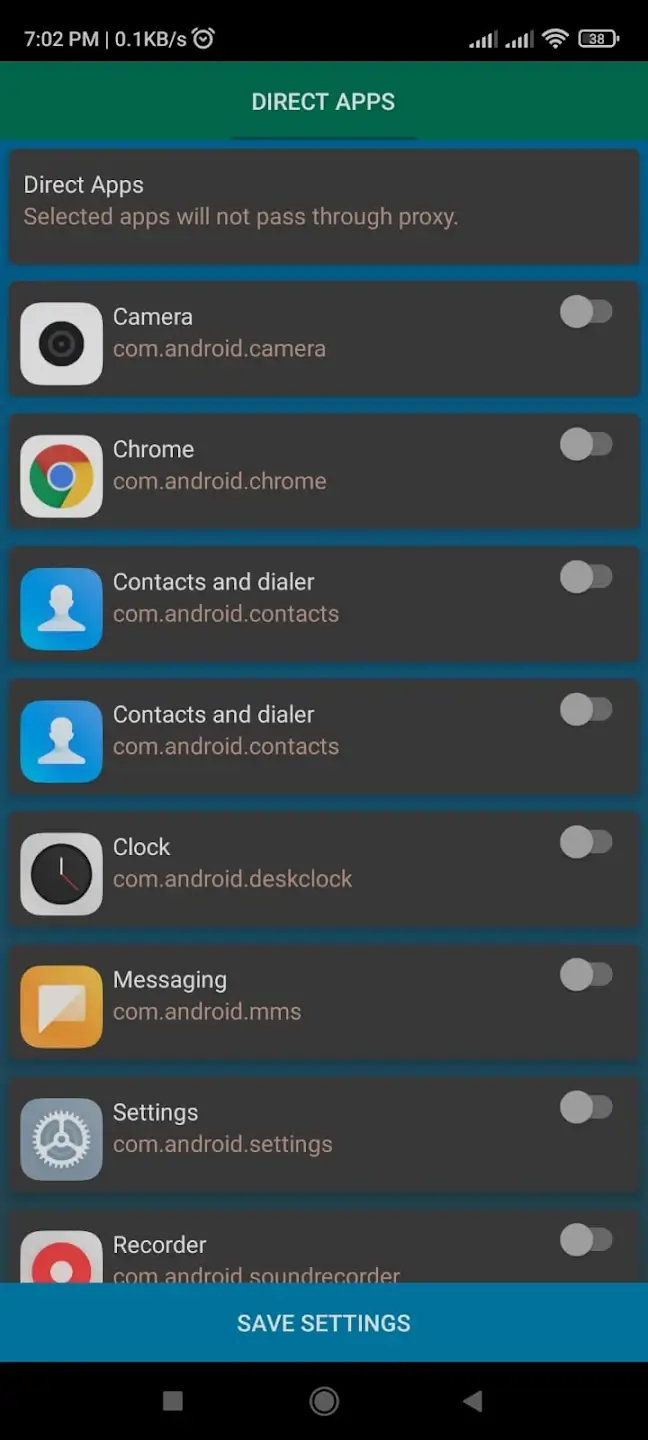
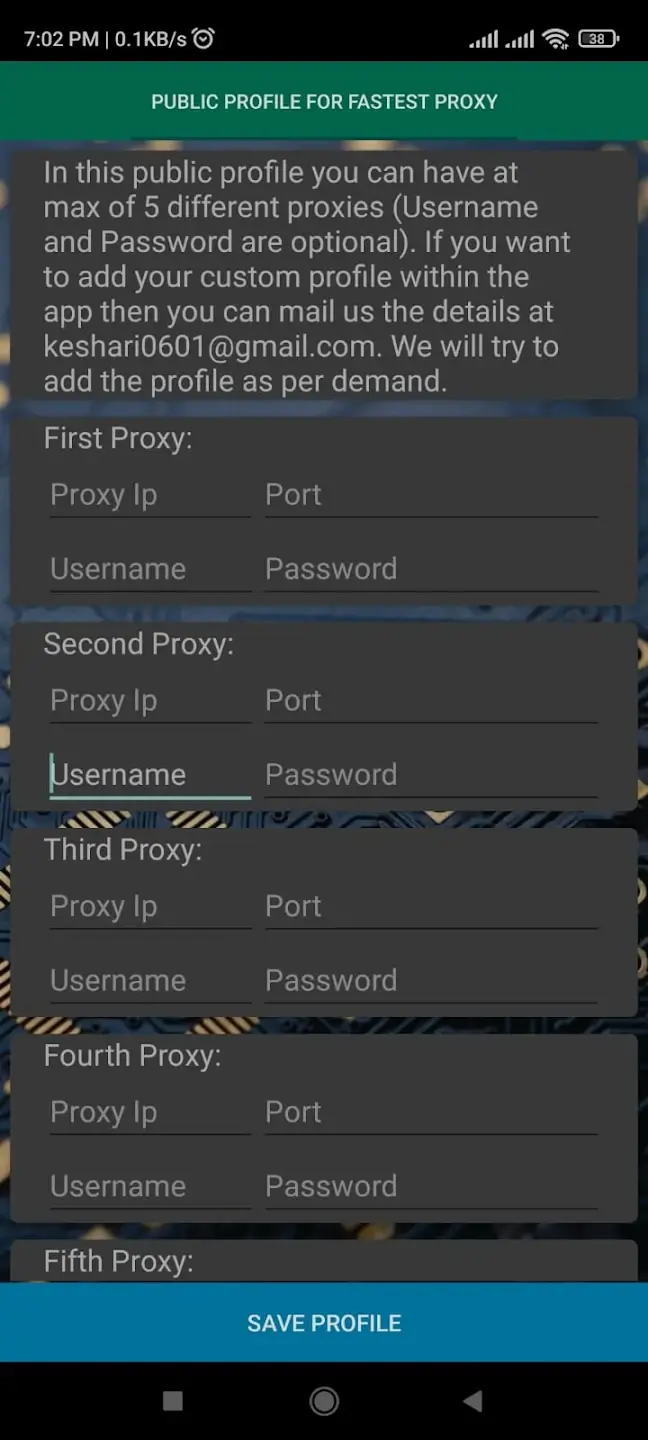
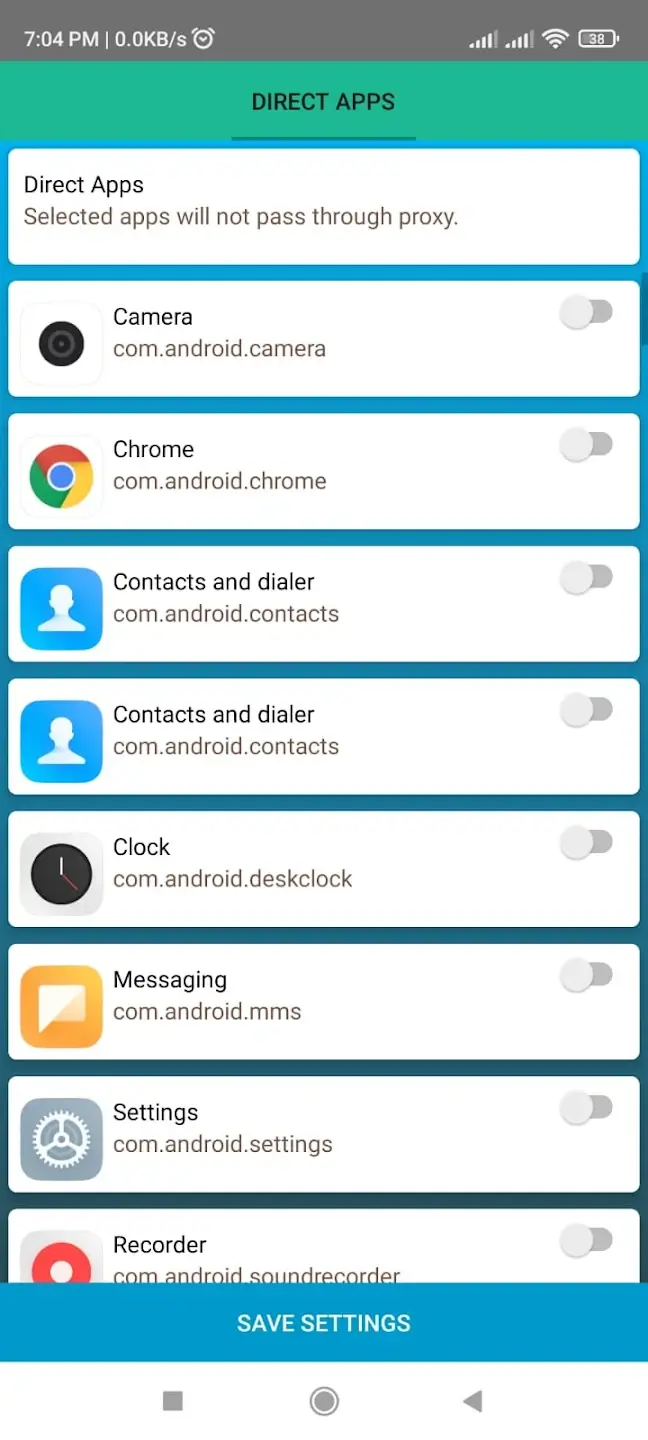
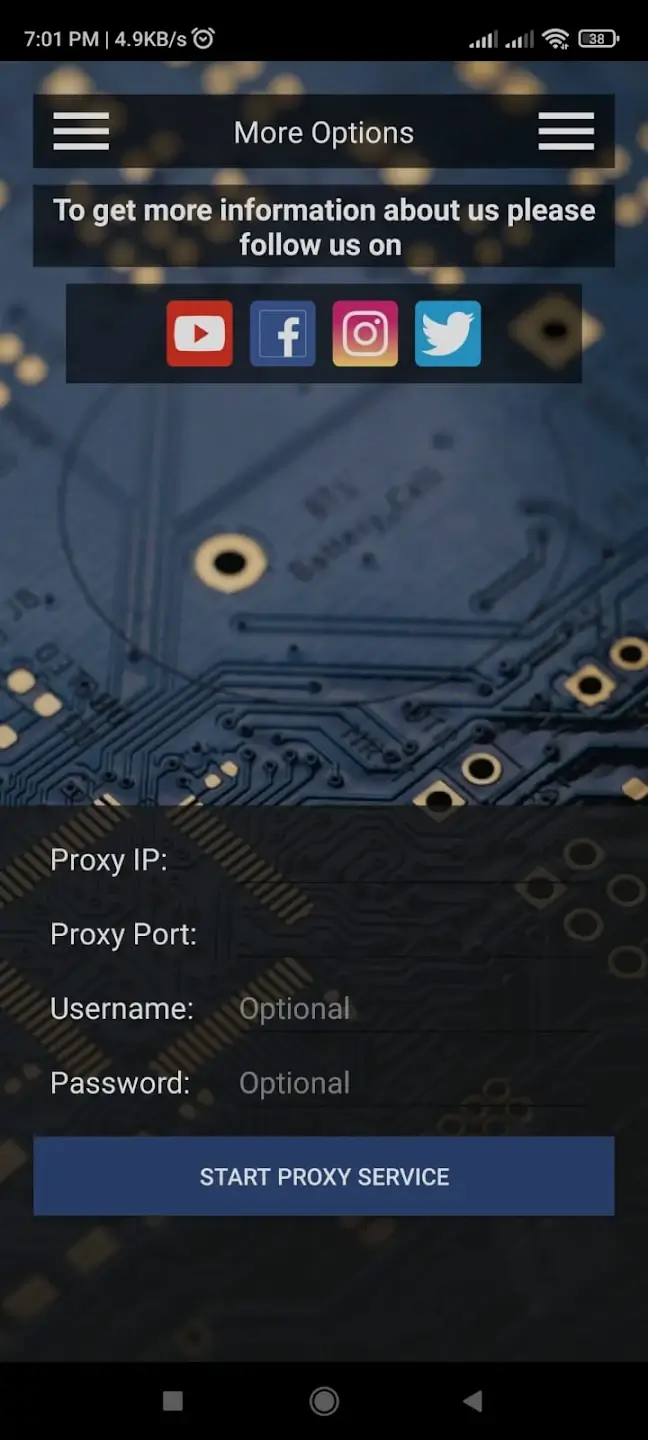
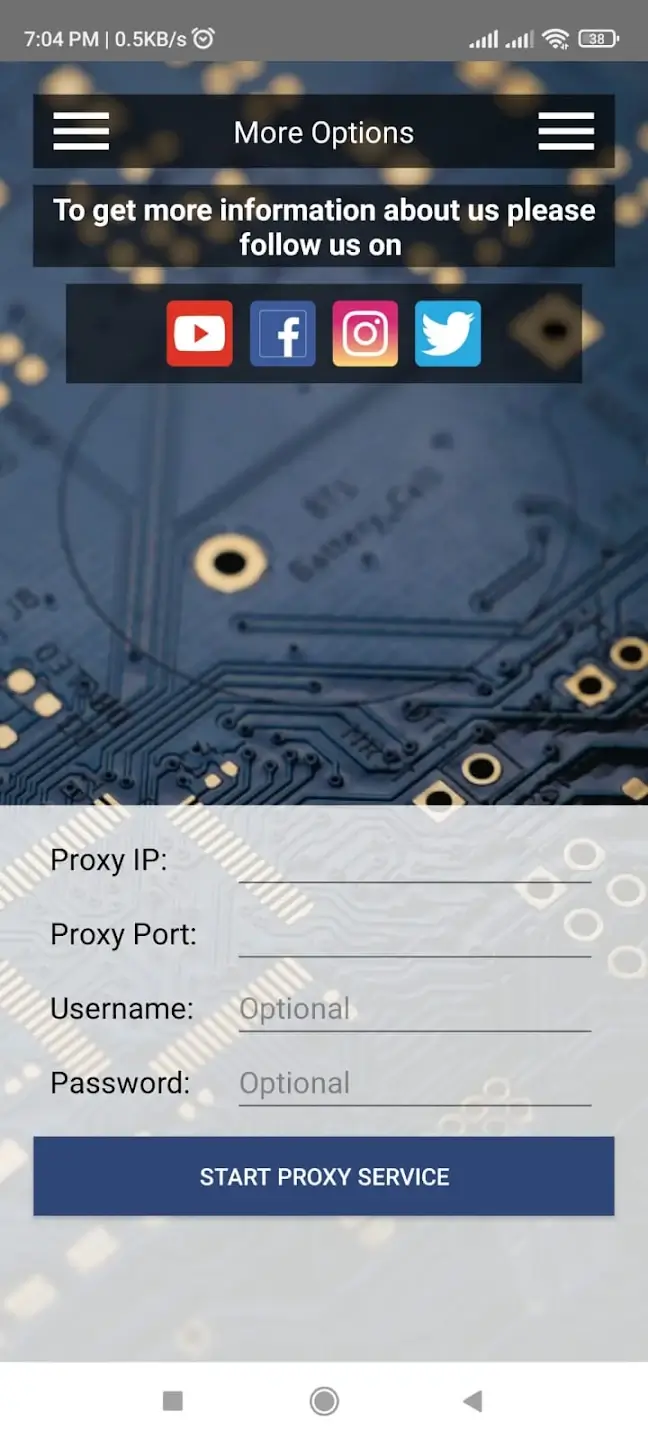

College Proxy is an Android utility designed to help students and staff get around network restrictions commonly enforced on college campuses. When the institution’s Wi‑Fi blocks personal browsing, streaming, or messaging services, this app routes your traffic through a proxy server, giving you access to the broader internet.
This page provides a concise overview of the app, step‑by‑step installation instructions, common issues and their fixes, and a comparison with other popular proxy/VPN solutions.
Quick Information
| App/Game Name | College Proxy |
| Latest Version | 10.2.9 |
| Developer | Not listed |
| Category | Apps / Tools |
| App Size | 8 MB |
| Package Name | com.cell47.College_Proxy |
| Last Updated | 19 January 2026 |
What Is College Proxy?
College Proxy acts as a simple proxy client. After you launch the app and connect, it forwards your web requests to an external server, masking your device’s IP address and bypassing the college’s firewall rules. The tool is lightweight (8 MB) and does not require root access, making it suitable for most Android devices.
Key functions include:
- Easy toggle to turn the proxy on or off.
- Support for HTTP and HTTPS traffic.
- Minimal UI – just a connect button and status indicator.
Because the app is not tied to any specific university network, its effectiveness depends on the availability of the external proxy servers it uses. There is no official support channel, and the developer is listed as unknown.
Compatibility
Compatibility
| Android Version | Not Verified |
| Architecture (ARM64 / 32-bit) | Not Verified |
| Internet Connection | ✓ Verified — May be required for ads, updates, or login |
| Storage Needed | Not Verified |
| OBB/Data Files | Not Verified |
| Root Required | Not Verified |
How to Install
- Enable installation from unknown sources: Settings → Security → Allow installation of apps from unknown sources (or Settings → Apps & notifications → Special app access → Install unknown apps, then select your browser).
- Download the College Proxy APK file to your device.
- Open the downloaded file and tap “Install”.
- Once installed, launch the app, grant any requested permissions, and tap the “Connect” button.
- If you receive a prompt about installing additional files (e.g., OBB), you can ignore it – College Proxy does not require extra data packages.
Troubleshooting
- App not installed: Ensure the APK is compatible with your Android version and that you have enough storage space. Also, double‑check that unknown sources are enabled.
- Connection fails or drops: Verify that your device has an active internet connection (mobile data or Wi‑Fi) before starting the proxy. Some campus firewalls block proxy ports; try switching to a different network or using mobile data.
- App crashes on startup: Clear the app cache (Settings → Apps → College Proxy → Storage → Clear cache) and restart the device.
- Proxy features not working: The external proxy server may be down or blocked. Re‑launch the app and try again later.
Safety & Security
College Proxy is a modified utility that routes traffic through third‑party servers. While the app itself is small and does not request invasive permissions, users should be cautious:
- Download only from trusted sources; verify the file’s integrity if a hash is provided.
- Avoid entering sensitive credentials (banking, passwords) while the proxy is active, as the external server could potentially log traffic.
- Updates to the official app may break proxy functionality, requiring a new version of the proxy client.
- Using a proxy on a campus network may violate institutional policies. Consider the potential consequences before proceeding.
How College Proxy Compares
| Feature | College Proxy | Turbo VPN | Hotspot Shield | Psiphon |
|---|---|---|---|---|
| Price / Free model | Free (no in‑app purchases) | Free with ads / Premium subscription | Free with ads / Premium subscription | Free with ads / Premium subscription |
| Platform availability | Android only | Android, iOS, Windows, macOS | Android, iOS, Windows, macOS | Android, iOS, Windows |
| Standout feature | Very lightweight (8 MB) proxy client | High‑speed VPN servers worldwide | Fast streaming optimization | Circumvents deep‑packet inspection |
| Best for | Simple campus proxy needs | General VPN usage, streaming | Streaming media on restricted networks | Bypassing heavy censorship |
Alternatives
If College Proxy doesn’t meet your requirements, consider these well‑known tools:
- Turbo VPN – Offers a large network of VPN servers and a user‑friendly interface, suitable for both casual browsing and streaming.
- Hotspot Shield – Known for its “Catapult” technology that speeds up video streaming and gaming on restricted networks.
- Psiphon – Designed to evade deep‑packet inspection and heavy censorship, making it a solid choice for heavily filtered campuses.
- Orbot (Tor for Android) – Routes traffic through the Tor network for enhanced anonymity, though it can be slower.
Final Verdict
College Proxy is a straightforward, low‑footprint solution for users who need occasional access to blocked websites on campus. It works without root and occupies minimal storage, but its success hinges on the availability of the external proxy servers it uses. For more robust, feature‑rich VPN needs, a dedicated service like Turbo VPN or Hotspot Shield may be preferable. Always download from reputable sources and be mindful of your institution’s network policies before using any proxy tool.
Frequently Asked Questions
The app itself requests minimal permissions, but because it routes traffic through third‑party servers, avoid sending sensitive information while it is active.
College Proxy works on Android 5.0 (Lollipop) and newer, though exact compatibility is listed in the compatibility table.
No, the app does not require root privileges.
Yes, you can install the APK directly; the installer will replace any existing copy.
Common causes include disabled unknown‑source installations, insufficient storage, or an incompatible Android version.
Yes, the proxy works with any active internet connection, though some campus Wi‑Fi networks may block the proxy ports.
No, College Proxy is a single‑APK app and does not require extra files.
It may allow access to some blocked streaming sites, but performance can vary depending on the proxy server’s speed.